
Shop floor apps
Where every floor record starts
Operators, supervisors and QC log counts, scrap, downtime and inspections at the station, on their own Android phones, as the work happens. Every dashboard, plan and cost in FleekERP reads what they record.
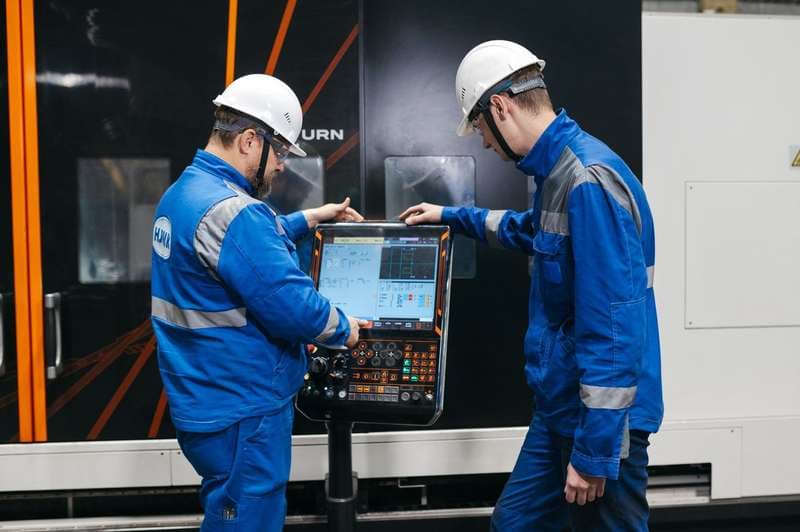
Three roles, three screens
Built for the person at the station
Three roles, three screens, one record each. Four actions per role, so training is a session at the station, not a manual.
- Add count, log scrap and downtime against the operation
- Sees the target rate and the next inspection gate
- Complete operation hands the batch to the next station
- Hourly output per station with the reason for a slow one
- Reassigns operators and closes downtime with a cause
- Sees the work centre fall behind at 11, not at 5
- Inspection plan on the operation with measured values
- Pass, fail, rework, with photo, operator and batch attached
- A failed check holds the batch until it is dispositioned
- Add count, log scrap and downtime against the operation
- Sees the target rate and the next inspection gate
- Complete operation hands the batch to the next station
One entry at the station
Count, scrap, downtime, inspection result
Attributed to a person, a station, an operation and a time, the moment it is tapped.
Updates immediately
The dashboard, the plan and the order cost update immediately
Production dashboard · Planning board · Material consumption · Quality history · Cost per order · Reports
- Live the same secondEvery tap is on the dashboard as it is made.
- Ordinary Android phonesOperators' own, or a shared station device with a PIN per operator.
- Every entry attributedWho, where, which operation, what time.
- Pick, do not typeScrap and downtime reasons from a short list you define.
What gets recorded
One record per event, with a name on it
| Event | Who | What is captured | Where it shows up |
|---|---|---|---|
| Count | Operator | Quantity, operation, station, time | Dashboard, work order, plan attainment |
| Scrap | Operator | Quantity, reason from the list, batch | Rejection by operation, cost per order |
| Downtime | Operator or supervisor | Start, end, reason, station | Downtime by cause, plan re-forecast |
| Complete operation | Operator | Quantity handed to the next station | Work order progress, material consumption |
| Reassignment | Supervisor | Operator moved from station to station | Station output, labour cost per order |
| Inspection | QC | Measured values, pass or fail, photo, disposition | Quality history, batch hold, rework queue |
What management sees
Every tap lands on the work order, the same second
The operator's count, the supervisor's downtime entry and the QC result all land on the work order and its operations as they are made. The production dashboard, the planning board and cost per order read the same record.
See production controlQuestions about shop floor apps
Which phones do operators need?
Any ordinary Android phone. Operators can use their own, or a shared station device with a PIN per operator.
How much training does an operator need?
One session at the station. The operator screen has four actions and shows one job at a time. Most floors are logging on their own within a week.
What if an operator forgets to log a count?
The operation shows as running past its expected time on the supervisor's screen. Corrections are made with the supervisor's name on them, so the record shows who adjusted what.
Which languages does the app support?
The interface is English today. Reason codes, product and operation names are your own text, so they can be in any language you enter. Tamil and Hindi interfaces are in development.
Also on the platform
Every capability reads the same record
Next step
See the floor apps on your own line
We put the operator app on one of your stations during the demo, with your operations and your reason codes.