
Furniture & Woodwork · ERP guide
ERP software for furniture manufacturers: what the system has to hold
A furniture factory runs on variants, cutting lists, board yield and finishing batches. This is what an ERP has to manage in that kind of plant, from the sales order to the delivery, and where an accounting-led ERP usually leaves gaps.
By Nexfloe · · 10 min read
- Industry:
- Furniture & Woodwork
- Article type:
- ERP guide
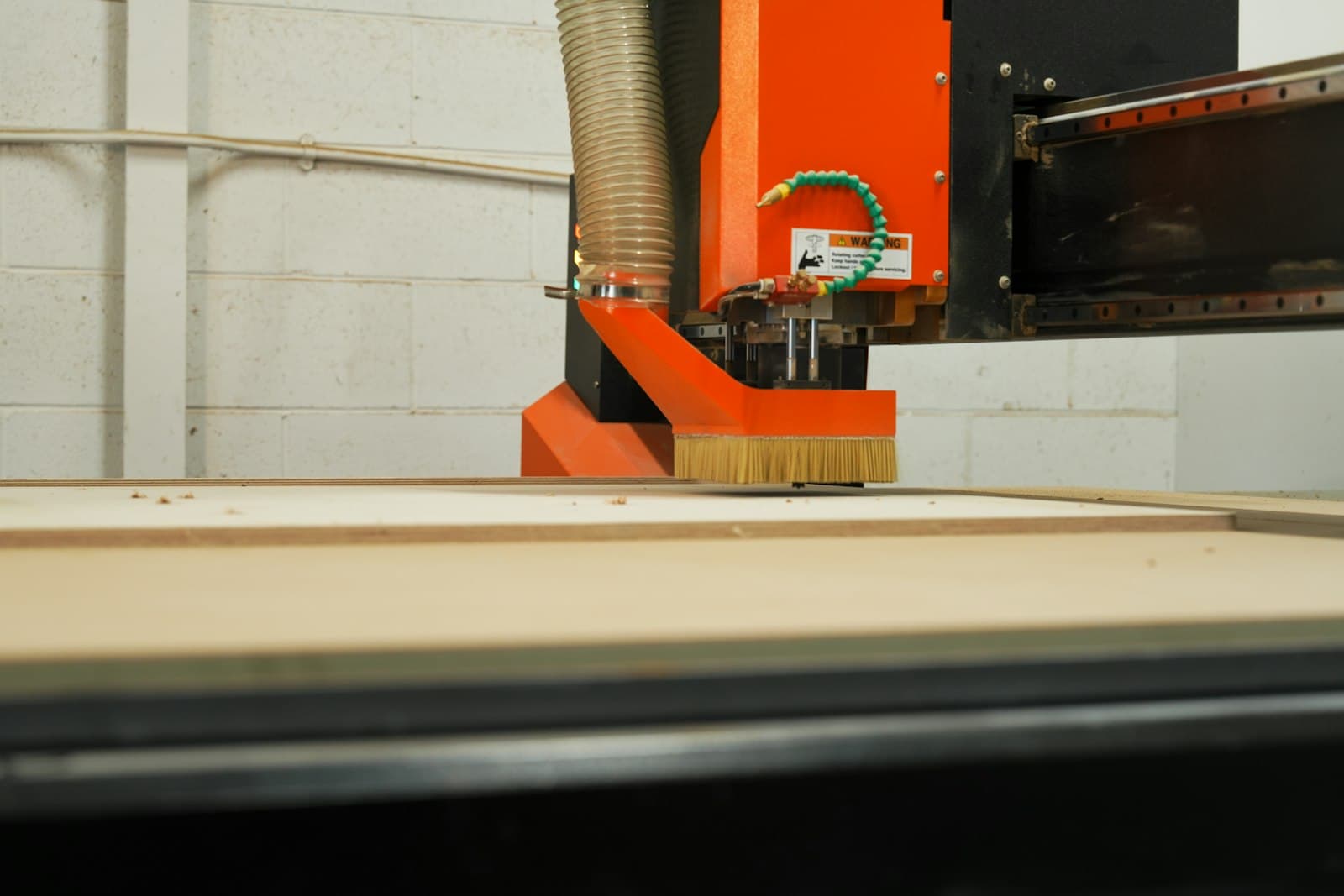
A furniture factory sells a model and makes a variant. The customer orders a wardrobe in 1800 width, walnut laminate, soft-close hinges and a long handle, and the factory has to turn that into panels on a sheet, banding on the right edges, holes in the right places, a finish that matches the showroom piece and a carton with every fitting inside. An ERP for this kind of plant is judged on whether it can follow that order from the sales desk to the delivery without the planner rebuilding it by hand.
This guide covers what that system has to manage, how work moves through a typical panel and solid wood plant, and what to look for before choosing one. It is written for owners, production heads and planners at factories making modular, office, institutional or home furniture, whether to order or in standard ranges.
Quick answer
ERP software for furniture manufacturers links each sales order to the panels, hardware and finish it needs. It holds a BOM per model and variant, combines panels from open orders into one cutting list, issues board and hardware by lot, records cutting, edge banding, machining, finishing and assembly as operations, shows what each sheet yielded and the offcut left, and adds board, labour and job work to the cost of each order.
Why furniture factories need a manufacturing ERP
Plenty of business software for furniture companies is built around billing: quotations, purchase bills, a stock ledger and GST invoices. A furniture business needs those, but its margin is decided somewhere else. It is decided at the panel saw, by how much of each board ends up as panels and how much as offcut. It is decided in the paint shop, by whether a batch has to be stripped and redone. And it is decided at installation, by whether the right fittings went in the carton.
None of that shows in a ledger. If cutting is planned order by order on paper, finishing is tracked on a whiteboard and hardware is picked from memory, the office knows what was sold and what was billed, but not what the order actually used or where it is now. That is why furniture makers usually need ERP and MES (manufacturing execution) on one record: the business side and the floor side of the same order.
Common challenges in furniture manufacturing
- Variants multiply the BOM. Each size, laminate, finish and hardware option changes the panel list, and keeping those lists in spreadsheets breaks the first time a design changes.
- Sheets cut one order at a time. Panels for different orders are not combined, so more boards are opened and more offcut ends up in the corner.
- Yield is found at stock-take. Nobody records what each sheet produced, so board waste shows only when the count does not match the books.
- Finishing batches get mixed. Shutters from three orders go through the polish or paint line together, and matching them back to their orders takes time, especially when one batch has a colour problem.
- WIP is hard to see. Panels sit between cutting, banding, boring, finishing and assembly, and the only way to know where an order stands is to walk the floor.
- Hardware short at packing. A missing hinge or a wrong handle is found when the carton is being closed, or worse, at the customer's site.
- No real cost per order. Board, laminate, edge band, polish, hardware and labour are not added up on the order, so the margin on a custom job is a guess.
What should a furniture ERP system include?
The list below follows the records a furniture factory actually needs to run its orders. Ideally the sales desk, the saw, the paint shop and packing all read the same order rather than their own sheet.
BOMs per model and variant
A wardrobe BOM is not one list. It has the carcass panels in board, the shutters in MDF or laminate, edge band by colour and thickness, hinges, channels, handles, screws, adhesive and the finish materials. Each variant changes some of those lines, and the work order has to be raised against the variant the customer ordered. The BOM version used for an order should be fixed when the order is released, so a design change next week does not change what this order was built from. The guide to multi-level BOM management covers the structure in more detail.
Production planning and cutting lists
Sales orders become work orders by model and variant. The panels needed across every open order are listed together, so the saw cuts several orders from the same board thickness and decor at once, instead of opening a fresh sheet for each order. Work orders are then placed on the saw, the edge bander, the boring machine, the finishing line and assembly against their capacity. Production planning in FleekERP places work orders on work centres this way.
The nesting itself, which panel goes where on the sheet, is usually done in the saw or nesting software. The ERP should feed it the cutting list and record what came out, rather than try to replace it.
Material traceability: board, laminate and hardware
Board and laminate are received against the supplier's lot or batch, with thickness, grade and decor checked on arrival. Hardware and edge band are received the same way. Each is issued to the work order by lot, so a delamination complaint or a batch of faulty hinges can be traced to the orders it went into. Inventory and lot traceability in FleekERP keeps board and hardware lots against the order.
Inventory: board, offcuts, WIP and finished goods
Stock has to be known at four points. Full sheets in the board store. Usable offcuts, recorded with their size so the next cutting list can draw on them before a new sheet is opened. Work in progress at each stage: cut, banded, bored, in finishing, at assembly. And finished or packed goods waiting for dispatch. Panels produced against sheets issued is the yield figure that matters most, and it should be recorded per sheet as the work is done, not estimated at month end.
Shop-floor execution
This is the MES side. The saw operator records panels produced and offcut per sheet, the bander and boring operators record what they completed, and rejects are logged with a reason: chipped edge, wrong size, banding lifted, holes misplaced. Supervisors see each stage's output during the shift. In FleekERP the saw and bander operators log these on shop floor apps beside the machine.
Quality: checks at cutting, banding and finishing
Panel size and squareness after cutting, edge band adhesion and trimming after banding, hole positions after boring, and colour, sheen and surface after finishing. Each check is recorded against the batch and the operator, and a failed check holds the batch until someone decides between rework and reject. On the finishing line, the batch record should carry the coats applied, the drying time and the operator, so a colour complaint can be traced to the batch that made it. With quality control in FleekERP, the banding and finishing checks sit on those operations, against the batch.
Job work
Veneer pressing, PU painting, upholstery, metal frames and CNC carving are often sent to outside units. The job work step should sit on the routing in sequence, with the challan out, the return in and any short or damaged return flagged on the order.
Assembly, packing and dispatch
Assembly works to the BOM, so the fittings each unit needs are issued to the order rather than picked from an open bin. Packing should confirm that every panel and every hardware pack for the order is in the boxes, whether the piece ships assembled or flat. Dispatch then picks against the sales order with a delivery note, and where the factory also installs, the installation team works from the same order.
Cost per order
Board at the lot's cost, laminate, edge band, finish materials, hardware, labour by operation and job work charges, added up on the order. For a custom job this is the only way to know whether the quote was right before the next one goes out on the same assumptions.
How work flows through a furniture factory
A panel furniture plant, a solid wood workshop and an upholstery unit differ in their operations, but most follow this sequence. The step-by-step guide to the furniture manufacturing process follows one product through each stage.
- 1Sales orderModel, variant, size, finish, hardware, quantity and delivery date.
- 2Variant BOMThe panel list, hardware and finish for the ordered variant, fixed on the work order.
- 3Cutting listPanels from every open order combined by board thickness and decor.
- 4MaterialBoard, laminate, edge band and hardware issued by lot. Shortages named against the order.
- 5Cutting and bandingPanels produced and offcut recorded per sheet, then edges banded.
- 6MachiningBoring, grooving and CNC routing, with rejects logged by reason.
- 7FinishingPolish, paint or lamination as a batch, with coats, drying time and operator.
- 8Assembly and packingAssembled or packed flat against the BOM, every fitting checked in.
- 9DispatchDelivery note against the order, installation where the factory fits it, and the invoice passed to the books.
What is the difference between ERP and MES for a furniture maker?
The ERP half holds the commercial side of a furniture order: the sale, board and hardware stock, purchase, dispatch and cost. The MES half records the floor as the work happens: how many panels came off a sheet, which batch is in the spray booth, which edge band failed and why, how far assembly has got. In a furniture factory the two meet on almost every order, because yield, rework and finishing problems are floor events that decide the order's cost and its delivery date.
Some factories run an accounting-led ERP and keep the floor on paper. Others choose one system that covers both, so the cost of an order and the status of its panels come from the same record. The test is simple: when the saw operator records a sheet, does the order's material cost and progress change without anyone typing it in again?
How FleekERP supports furniture manufacturers
FleekERP is a manufacturing ERP and MES built around work orders, operations, lots and inspections. For furniture and woodwork factories, each product carries variants and the BOM differs by variant, so the work order is raised against what was ordered. Panels from every open order are listed in one cutting list, board, laminate and hardware are issued by lot, and cutting, edge banding, finishing and assembly are recorded as operations from Android phones at the station. Panels produced and offcut are recorded per sheet, so board waste shows per job.
Finishing is recorded as a batch with its coats, drying time and operator. Cost per order adds board, labour and job work, and accounting stays in Tally or Zoho, which FleekERP syncs with.
There are limits worth knowing before you shortlist it. FleekERP does not optimise nesting: it produces the cutting list and records yield, and the sheet layout stays in your saw software. The apps need a data or Wi-Fi connection, there is no barcode or QR scanning today, so panel labels cannot be scanned, and machine data from the saw or CNC is on the roadmap rather than available. The interface is in English, with Tamil and Hindi in development. FleekERP at a glance lists these in full.
Implementation considerations
- Start with the models that sell most or cause the most rework, not the full catalogue.
- Write the variant rules down before configuring: which options change which panels, which change only hardware.
- Agree the board thickness and decor codes stores and the saw will both use.
- Load opening stock of board, laminate and hardware by lot, and count usable offcuts by size.
- Train the saw, bander and finishing operators at their stations, on real orders, one section at a time.
The guide to implementing ERP in a furniture factory goes through the stages and the data to prepare.
Business benefits
What a furniture maker gains follows from having the order, the panels and the floor on one record, made when the work happens:
- Board waste visible per job and per sheet, instead of at stock-take.
- Sheets cut for several orders at once, from one cutting list.
- Finishing problems traced to the batch, the coats and the operator.
- Assembly worked against the BOM, with packing and the delivery note on the same order. Checking each carton against the hardware list before it is sealed is good practice in any factory.
- Board, hardware, labour and job work visible in the cost of each order.
How large each gain is depends on where the factory starts. A plant already cutting from an optimised list and tracking yield will see less change than one cutting order by order from handwritten sheets.
Frequently asked questions
Why do furniture makers need more than an accounting ERP?
Because the margin is decided on the floor: by how much of each board becomes panels, by rework in finishing, and by whether every fitting reaches the carton. An accounting ERP records the order and the invoice but not yield, finishing batches or work in progress. A manufacturing ERP with MES records those as the work happens.
How should a furniture ERP handle size and finish options?
Each model carries variants, and the BOM differs by variant: panel sizes, laminate or finish, edge band and hardware. The work order is raised against the variant the customer ordered, and the BOM version is fixed when the order is released.
Does an ERP replace nesting software for panel cutting?
Usually not. The nesting software decides where each panel sits on the sheet. The ERP combines panels from open orders into the cutting list and records what each sheet actually yielded and the offcut left. FleekERP works this way and does not optimise the nesting itself.
Can a colour or finish problem be traced in a furniture ERP?
It can when finishing is recorded as a batch. The batch carries the coats applied, the drying time and the operator, and links to the orders whose pieces went through it, so a complaint about one wardrobe leads back to the batch and the other orders in it.